Mmos World
Stepwise Approach to Setting Up Macros and Hotkeys in MMORPGs
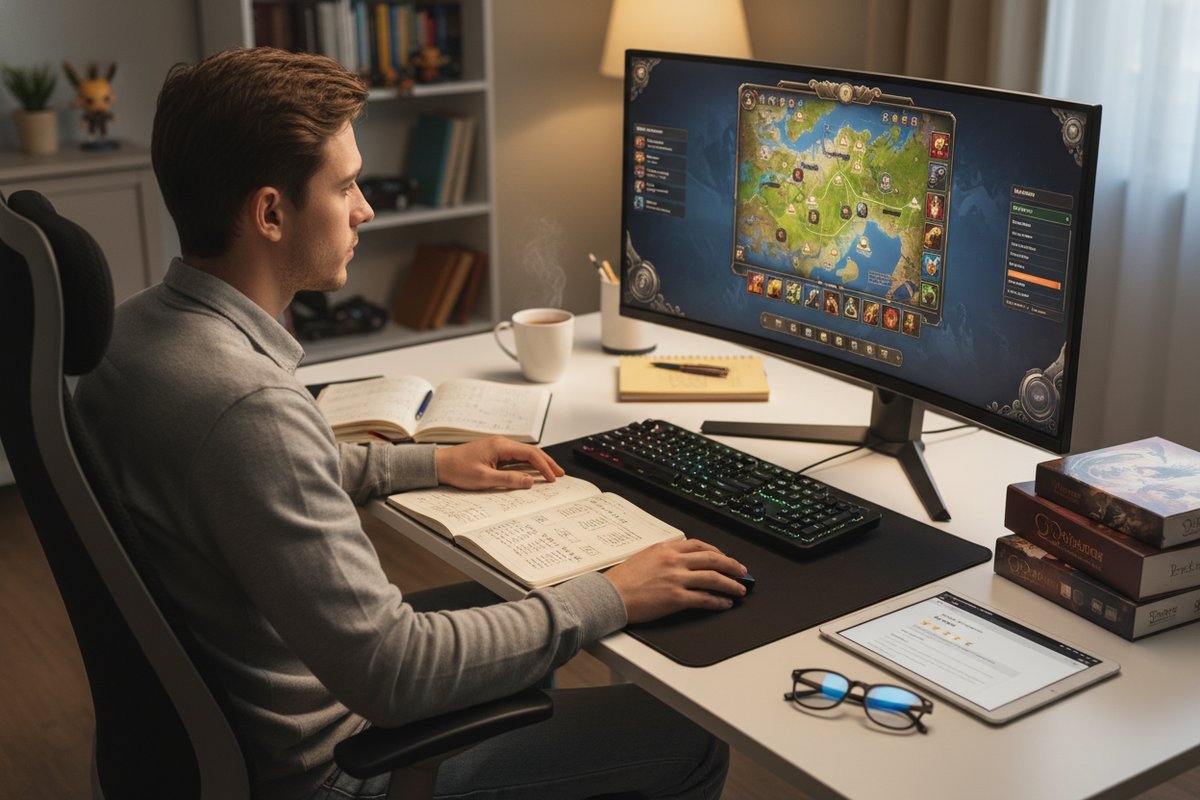
Knowing how to set up macros and hotkeys efficiently saves time and reduces in-game errors. This guide isn’t for players content with default controls or those unwilling to experiment with custom setups.
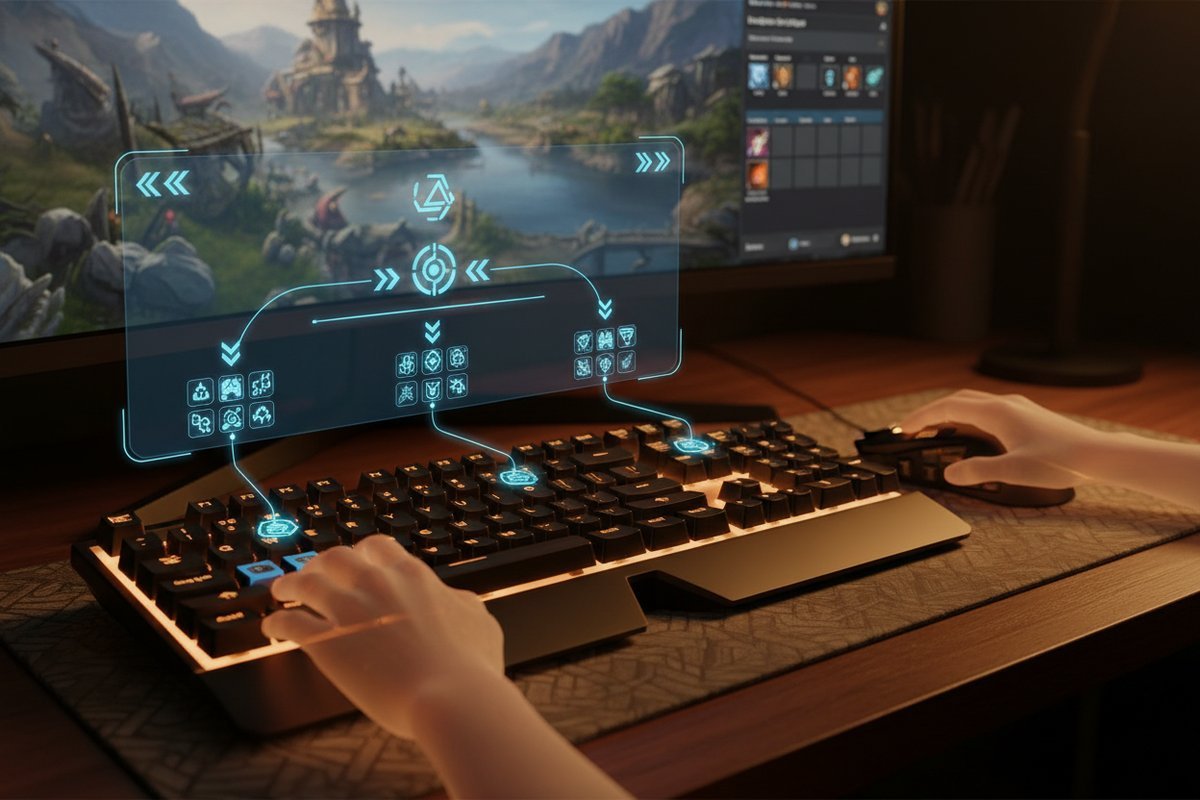
Step 1: Access Your Macro and Hotkey Settings
Begin by locating the macro interface within your MMORPG. For many games like World of Warcraft, this is done by opening the game menu (usually via the Esc key) and selecting Macros, or by typing /macro in the chat box.
Common mistake: Jumping into complex macro writing without first understanding your game’s macro limits, such as triggering only one global cooldown per macro or inability to automate decision-making.
Verify success: Confirm you can see your macro list and create simple commands before moving on.
Step 2: Start Simple-Build Basic Macros
Create straightforward macros that combine one or two actions, like casting a single spell or using an item.
Common mistake: Writing overly complicated macros that attempt multiple actions, which often get cancelled due to global cooldown restrictions.
Verify success: Test your macro in a safe environment, ensuring it performs the intended single action without interruption.
Step 3: Choose Hotkeys Wisely
Map your macros to keys that are easy to reach and remember, avoiding keys bound to critical game functions or those that cause finger strain.
Common mistake: Assigning macros to awkward or rarely used keys, which results in missed inputs during combat or confusion.
Verify success: Practice using your hotkeys in low-pressure situations to ensure they feel natural and responsive.
Step 4: Add Layers Carefully
If your keyboard or mouse supports layers (multiple key maps), use these to organise macros logically without overloading a single key.
Common mistake: Overcomplicating layers without a clear system, leading to confusion and input errors.
Verify success: Label or note your layer functions and test switching between them smoothly.
Step 5: Troubleshoot Common Errors
If your macros fail, check for these frequent issues:
- Trying to bypass game restrictions such as global cooldowns.
- Using commands unavailable to your character or account.
- Conflicting key bindings that interfere with default controls.
Adjust your macros accordingly and retest.
Common Mistakes to Avoid
- Overcomplication: Many players pile too many actions into one macro, ignoring game cooldown rules, causing macros to fail mid-use.
- Poor Key Mapping: Assigning macros to hard-to-reach keys or keys already used for important gameplay can slow reaction time and cause errors.
- Ignoring Testing: Skipping the step to try out macros before live gameplay leads to unexpected failures and frustration.
- Neglecting Game Updates: Failing to update macros after patches or game expansions can cause commands to become obsolete or behave unpredictably.
- Over-reliance on Macros: Depending too heavily on macros can reduce player skill development and awareness, especially in fast-paced or reactive combat situations.
- Ignoring Error Messages: Some games provide feedback when macros fail; overlooking these messages can prevent timely fixes.
When Not to Use Macros and Hotkeys
- This approach is not suitable if you prefer manual control for every action and do not want to risk automation-related errors.
- If your MMORPG’s rules or community frown upon macro use or if macros could lead to penalties, it’s best avoided.
- If you are playing in highly competitive environments where split-second decision-making and adaptability are crucial, macros may hinder your performance.
- When macros could interfere with social or role-playing aspects of the game, diminishing immersion or interaction.
- If your current hardware or peripheral setup does not support reliable hotkey layering or macro recording, attempting to use macros may cause more frustration than benefit.
Trade-Offs to Consider When Using Macros and Hotkeys
While macros and hotkeys can greatly enhance efficiency by automating repetitive tasks and reducing the need for complex manual input, there are some trade-offs to bear in mind:
- Flexibility vs. Automation: Macros can limit your ability to adapt mid-combat, as they often execute predetermined sequences rather than responding dynamically to changing situations.
- Skill Development: Relying on macros may stunt your learning curve by reducing the need to memorise abilities or react quickly without assistance.
- Risk of Errors: Poorly crafted macros can cause unintended actions, such as wasting cooldowns or using the wrong abilities, which might be costly in critical moments.
- Game Policy Compliance: Some games have strict policies against certain macro uses, and misuse can lead to account warnings or bans.
- Physical Strain: Overusing hotkeys mapped to awkward keys can lead to discomfort or even repetitive strain injuries over long play sessions.
Before-You-Start Checklist
- ☐ Verify your MMORPG supports macros and allows hotkey customisation.
- ☐ Review your game’s macro restrictions (e.g., global cooldown, command limits).
- ☐ Identify frequently used actions that would benefit from macros.
- ☐ Choose accessible keys for hotkeys avoiding conflicts with standard controls.
- ☐ Prepare a testing environment within the game to trial your macros safely.
- ☐ Ensure your hardware (keyboard, mouse) supports the number of macros and layers you plan to use.
- ☐ Back up your existing key bindings and macros before making extensive changes.
- ☐ Familiarise yourself with the syntax and command structure your game uses for macros.
- ☐ Consider creating a reference document or notes to keep track of your macros and hotkeys.
Most Guides Miss This: The Importance of Incremental Testing
Many tutorials jump straight to complex macro lists without emphasising the need to build and test macros incrementally. Start with one action per macro and only add complexity once stability is confirmed. This stepwise approach helps prevent frustration and ensures you understand how each element functions before progressing.
Troubleshooting Tips
- If macros fail to execute, check if you are triggering multiple global cooldowns per macro-this is commonly unsupported.
- Ensure macros do not reference unavailable spells or items tied to other characters or accounts.
- Re-map keys if you notice conflicts or uncomfortable finger stretches during gameplay.
- Check for syntax errors or unsupported commands in your macro code.
- Verify that your game client and any macro software are up to date to avoid compatibility issues.
- Disable conflicting third-party addons temporarily to isolate macro issues.
By following these steps carefully, you can set up effective, reliable macros and hotkeys that enhance your MMORPG experience without the confusion and errors that plague many beginners.
This content is based on publicly available information, general industry patterns, and editorial analysis. It is intended for informational purposes and does not replace professional or local advice.
FAQ
Should I use complex macros to automate multiple actions in MMORPGs?
It’s better to start simple. Many MMORPGs restrict macros to one global cooldown action, so complex macros often fail mid-use. Build and test one action at a time.
What if my hotkeys feel uncomfortable or cause mistakes during play?
Reassign your macros to easier-to-reach keys and practice in low-pressure situations. Poor key mapping is a common source of errors and frustration.
When should I avoid using macros altogether?
Avoid macros if your game’s rules prohibit them or if you prefer fully manual control. Also, if macros cause more confusion than help, it might be best not to use them.