
Mmos World
This Week at CES 2026: Seven strange gadgets that could reshape MMORPG streaming
CES showcased hardware and SDKs that could cut viewer-to-game feedback to near real-time; this matters if you run live interactive events. Not for casual streamers without developer support or tiny communities.
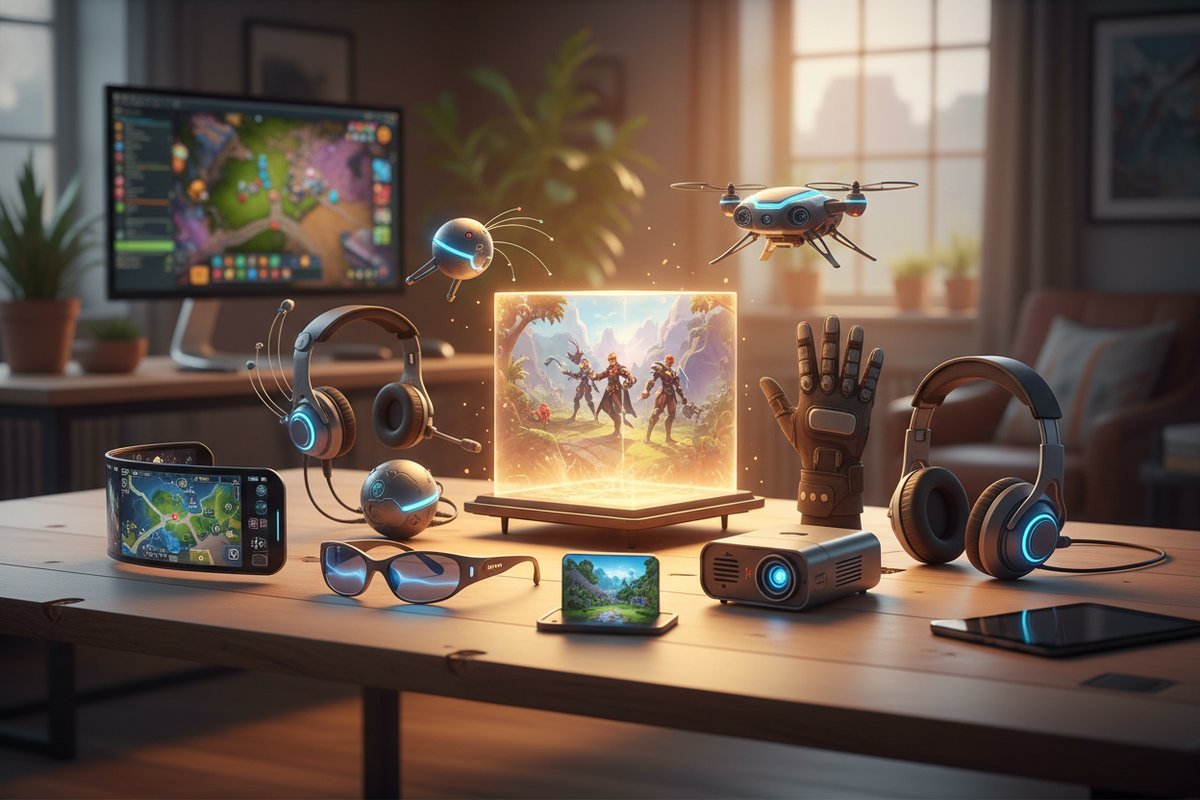
What changed at CES and why it matters
Several booths at CES highlighted unusual peripherals and compact edge-cloud kits that aim to move compute and event routing closer to users. A useful roundup of the oddest devices seen this year helps explain the direction of those demos: ZDNET’s ‘weirdest tech’ highlights. Separately, coverage of ultraportables showing modern connectivity such as Wi‑Fi 7 underscores the connectivity side of the low-latency story: example coverage.
In practice, this often means moving some networking and event-handling closer to viewers or giving them simple haptic endpoints. A common pattern is pairing local event brokers with lightweight wearables or reactive lighting so a viewer action produces a perceptible response. What surprises most people is how much perceived immediacy improves once you remove unnecessary network hops.
Seven CES gadget categories and how they map to MMORPG streaming
Below I map seven device categories (as seen across CES coverage) to concrete streamer/developer integration paths. Each entry notes realistic trade-offs and a short, actionable way to test it.
1) Compact edge compute modules
What they do: provide small, local compute for matchmaking or rapid event routing instead of routing every interaction to a distant cloud. Practical effect: reduced network hops between viewer input and game server.
A common issue is underestimating orchestration: one edge node is fine for a single studio, but you need simple failover. Integration path: add an edge node to your stream pipeline that runs a lightweight event broker (WebSocket/QUIC).
Try this: Step 1 – deploy a tiny broker on an edge box. Step 2 – wire a viewer button to a non-critical server-side event. Step 3 – measure perceived lag with a test group. One overlooked aspect is clock synchronisation between nodes; ensure timestamps are consistent.
2) Viewer haptic wearables
What they do: wrist or ring devices that accept simple vibration commands from an API, giving audiences a tactile response when something notable happens on stream.
In practice, this often means mapping a chat command or button press to a single short vibration pattern. Integration path: expose a public webhook from your stream service to middleware that translates chat/streamer events into wearable commands via the vendor SDK.
Try this: Start by using a single-response pattern (one event → one short vibration). Test on a closed group and note how many false triggers occur. A recurring issue is rate-limiting: add server-side throttles so wearables do not spam viewers.
3) Low-latency capture dongles
What they do: hardware encoders focused on fast frame delivery to cloud endpoints rather than maximum compression efficiency. Useful for feed-forward of game state to cloud-based event processors.
Integration path: replace or parallel your capture setup with a dongle that supports low-latency streaming protocols and route that feed into your edge broker for viewer-triggered overlays.
Try this: Run the dongle in parallel with your primary capture and compare timestamps between the two feeds. A common pattern is using the low-latency feed only for event detection while keeping the main stream on the higher-quality encoder.
4) Viewer-interaction SDK bundles
What they do: packaged developer kits that combine client hooks and server-side event APIs focused on audience controls. These are the glue that turns clicks into in-game inputs.
Integration path: prototype with the SDK’s sample app, wire one endpoint to a safe in-game action (visual-only or cosmetic) and validate end-to-end timing before broad rollout.
Try this: Follow the SDK quickstart, then run a five-minute latency test with 10 remote participants. A common issue is vendor lock-in; weigh the time saved against future flexibility.
5) Reactive room lighting and stage elements
What they do: LED arrays and room systems that accept event streams for synchronised ambience tied to viewer actions. They offer low technical risk and big perceived immersion.
Integration path: use these as a low-stakes place to trial interactivity. Map chat triggers to lighting states before you expose real game influence.
Try this: Step 1 – map three chat commands to three distinct lighting scenes. Step 2 – run a closed trial and collect feedback on perceived timing. Many users find lighting cues dramatically increase engagement with minimal engineering effort.
6) Multi-sensor streamer cams
What they do: cameras with extra sensors (microphone arrays, IMU data) that can feed analytics engines for real-time sentiment or activity detection; helpful for conditional viewer events.
Integration path: pair camera sensor output to your event logic to gate audience actions by streamer state (for example, only allow audience events when the streamer is not in a critical fight). One overlooked aspect is privacy: document what you capture and let participants opt out.
Try this: Prototype a simple gate that prevents audience triggers when audio level exceeds a threshold, then observe whether that reduces accidental interruptions.
7) Portable Wi‑Fi 7-capable ultrabooks and routers
What they do: endpoint gear that reduces local network bottlenecks. Coverage noting new ultraportables with Wi‑Fi 7 shows the connectivity side of latency reduction: see.
Integration path: use modern Wi‑Fi endpoints during live events and compare jitter to previous hardware. Prioritise QoS on your local network for the event broker traffic.
Try this: Run a 30-minute session on your old network, then repeat with the new hardware and identical test participants to compare perceived jitter and missed events.
Common mistakes streamers make (and what they cause)
- Trying to map audience inputs to core game mechanics immediately – causes balance and moderation headaches. Start cosmetic and non-critical.
- Testing only on studio LAN – causes unexpected latency when viewers connect from unpredictable networks. Test across slow consumer links.
- Ignoring the middleware layer – causes brittle integrations. Use a broker or queue that supports retry and rate limits.
Before-you-start checklist
- ☐ Identify a single, low-risk in-game action to expose to the audience (visual/cosmetic).
- ☐ Reserve a separate edge or middleware endpoint to translate viewer actions into game-safe commands.
- ☐ Confirm the device or SDK supports a reliable callback/webhook flow and has accessible documentation.
- ☐ Ensure moderation rules and rate limits are enforced server-side before they reach the game.
- ☐ Run a staged test with a small, distributed user group to evaluate perceived latency and false triggers.
Trade-offs to weigh
- Latency vs cost: moving to edge compute lowers round-trip time but adds hardware, hosting and management expenses.
- Compatibility vs control: vendor SDKs speed implementation but can lock you to a vendor’s event model and update cadence.
- Immersion vs risk: meaningful audience power increases engagement but also multiplies moderation and design complexity.
When not to use this approach
- If your stream has thin technical support and you cannot monitor or rollback in-game changes quickly.
- If your community size is tiny and the cost or complexity of edge hardware and integration outweighs potential engagement gains.
What this means for you – immediate steps
Start by picking one small, low-risk experiment: lighting, a wearable pulse, or a cosmetic in-game reaction. A recurring issue is biting off too much at once, so limit scope to one mechanic and one device category.
Actionable Steps:
- Step 1 – Define success: is it perceived lag under X seconds for testers, or fewer than Y false triggers? (Use qualitative feedback if you can’t measure precisely.)
- Step 2 – Allocate an edge or middleware endpoint and document the failure modes and rollback plan.
- Step 3 – Run a closed test with known participants, collect timestamps and feedback, then iterate.
What to watch next
Track booths and follow-ups from CES coverage that publish detailed SDK docs or latency claims; test only after you can inspect the API surface and fallback modes. The initial demos show promise, but practical deployment requires careful instrumentation and rollback plans.
What to do now: choose one small experiment (lighting, wearable pulse, or a cosmetic in-game reaction), allocate an edge or middleware endpoint, and run a closed test with known participants to assess perceived delay and moderation issues.
This content is based on publicly available information, general industry patterns, and editorial analysis. It is intended for informational purposes and does not replace professional or local advice.
FAQ
If I only have a single PC and no dev team, where should I start?
Start with low-risk, off-the-shelf options: map a viewer button to reactive room lighting or an on-screen cosmetic overlay. Many users find lighting or overlays provide noticeable engagement gains without deep integration work.
Try this: First, pick a vendor with a simple webhook or IFTTT-style integration. Second, run a single-night trial and watch moderation behaviour. Third, if the experiment succeeds, plan a brief automated rollback (for example, disable the webhook) in case of issues.
How can I measure whether an edge node actually improves responsiveness?
Measure both objective and subjective signals. A common pattern is pairing timestamped events with user feedback.
Step-by-step measurement:
- Step 1 – Instrument the pipeline: add timestamps at the viewer action, at the edge broker, and at the game-side event handler. Use UTC timestamps or millisecond counters so logs align.
- Step 2 – Run A/B tests: direct half your test group through the edge node and half through the baseline cloud path. Keep the workload identical.
- Step 3 – Collect subjective feedback: ask testers if they perceived a difference and record any missed or duplicate triggers.
- Step 4 – Analyse logs: compute median and 95th-percentile latency from viewer action to in-game effect, and inspect outliers for network issues or retries.
Try this simple toolset: use browser console logs or a tiny client script to record action timestamps, and a central log aggregator on the broker to collect the rest. If you cannot capture exact times, use synchronized video of the stream and a high-frame-rate camera to approximate perceived lag.
If you want, I can draft a one-page test plan you can run with five remote testers – say yes and I’ll produce the checklist and log fields to capture.